

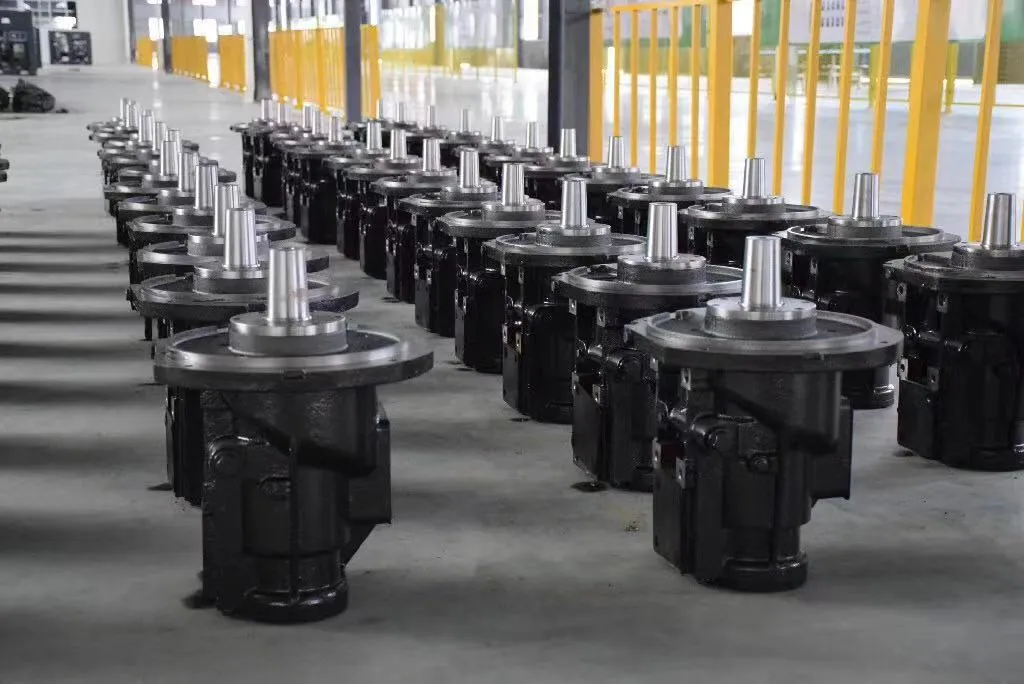



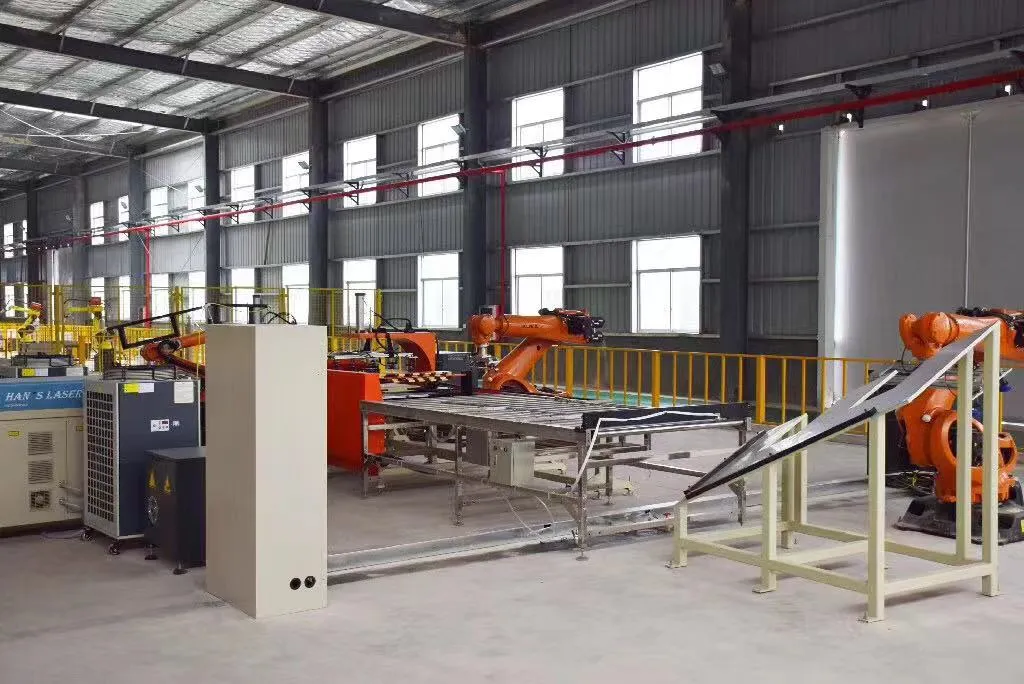
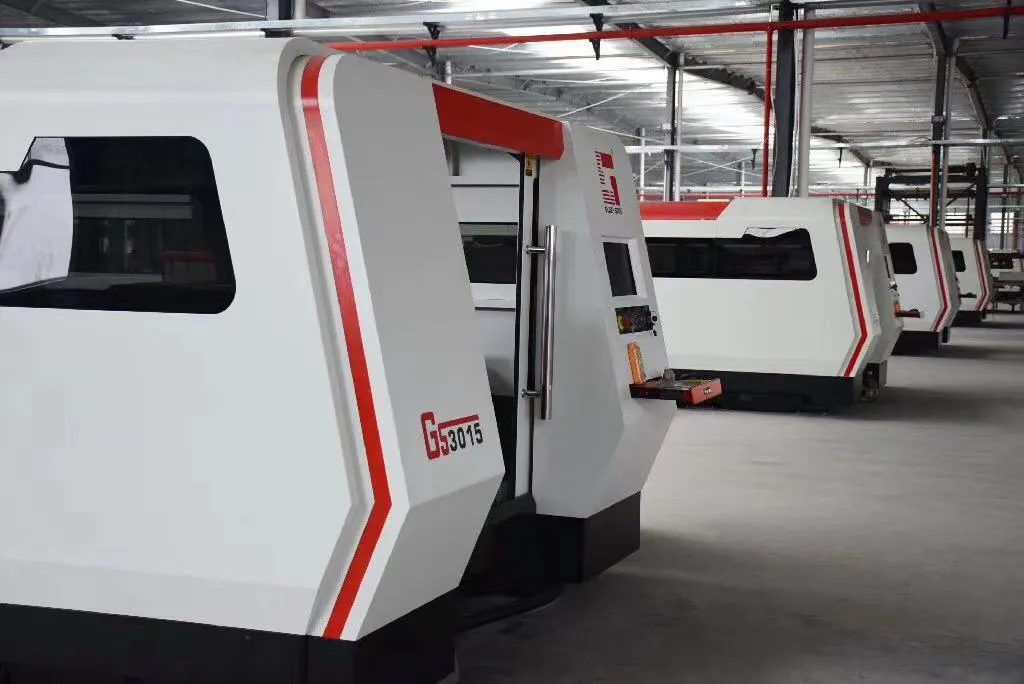

A compressor that looks identical on a quotation can still cost a plant 15% more for every cubic meter of air it makes. Before you approve a purchase, learn to read a screw compressor CAGI data sheet so you compare tested performance instead of marketing language.
CAGI—the Compressed Air and Gas Institute—publishes a standardized performance verification program. A compliant sheet puts model, operating pressure, delivered airflow, package input power, and specific power into one auditable document.
Why a CAGI Sheet Beats a Brochure
A brochure tells you a compressor is “energy efficient.” A CAGI data sheet shows the test conditions and measured numbers behind that claim. When you compare rotary screw air compressors, ask every supplier for the same standard sheet before you build a shortlist.
Read Rated Pressure and FAD Together
Free air delivery (FAD) is the actual air volume delivered at the discharge pressure. It means little without the pressure rating. A machine producing 10 m³/min at 7 bar is not the same as one producing 10 m³/min at 8 bar, because higher pressure requires more shaft work.
- Write down the exact bar or psi rating.
- Ask whether FAD is measured at the package outlet or the airend.
- Compare cubic meters per minute at the same discharge pressure only.
Compare Package Input Power, Not Motor Nameplate
The motor nameplate only tells you the motor size. The package input power tells you what the whole system draws: airend, motor, cooling fan, controls, and losses. A 90 kW nameplate motor may draw 95 kW at the wall once auxiliaries are included.
Your electricity bill follows package input power, so that number matters more than the badge on the motor. Ask the supplier to state package input power at the same CAGI test point, not just the motor nameplate kW. If the sheet omits it, you cannot calculate specific power or verify the efficiency claim.
Use Specific Power as Your Buying Shortcut
Specific power is total package input power divided by delivered FAD, usually stated in kW per m³/min. Lower is better, and it lets you compare different sizes without doing the math by hand.
In Panrui’s local reference data, a 90 kW two-stage vertical unit is listed at 5.9 kW/(m³/min), while a 90 kW single-stage unit is listed at 7.0 kW/(m³/min). That is a 15.7% lower specific power for the two-stage compressor—real savings hidden inside a data sheet.
Check the Operating Conditions and Fine Print
- Inlet temperature and barometric pressure change the air density, which changes FAD.
- Look for the measurement tolerance; a ±5% band can swing a comparison.
- Verify sound level and dimensions for your compressor room.
The local Panrui files also record a 70±2 dB noise level measured 1 meter from the machine, with the enclosure closed, and a design target for stable running in 52°C ambient conditions.
What Buyers Get Wrong
- Comparing m³/min at different pressures.
- Using motor kW instead of package input power.
- Ignoring inlet temperature, humidity, and altitude corrections.
- Buying the lowest specific power without checking warranty and service coverage.
- Accepting a pre-printed spec sheet instead of an actual test report.
Put the CAGI Sheet in the Purchase Order
Make the data sheet part of the commercial terms. Request the standard sheet at your actual operating pressure, confirm package input power, and ask the supplier to highlight specific power. If the quote cannot provide those figures, treat the omission as a risk. Then shortlist machines on tested efficiency, not color brochure copy.
If the plant load varies, also compare a variable speed screw air compressor at part-load points, where specific power can behave very differently from full-load data.